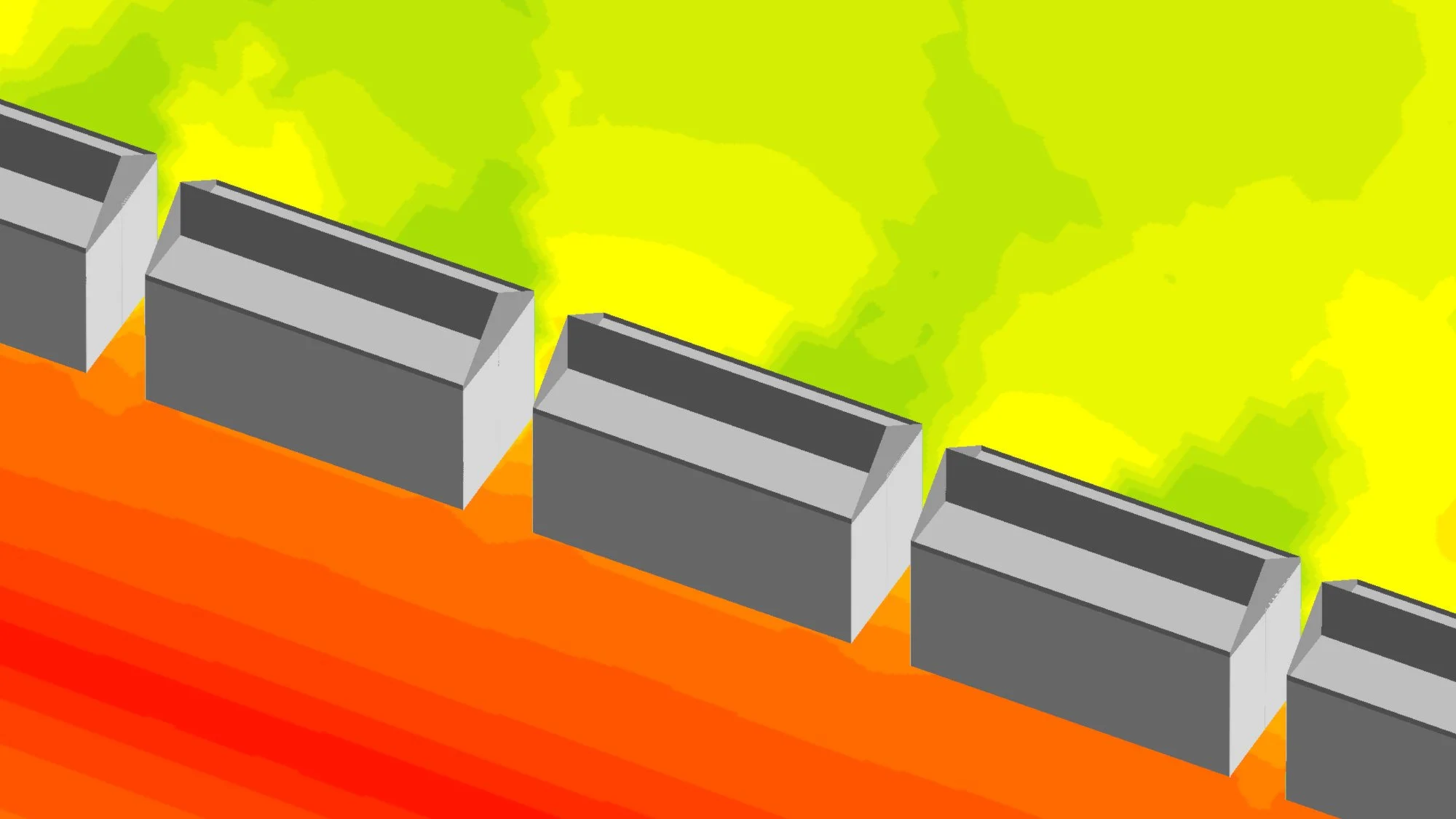
Modelling Pitched Roofs in iNoise – Helpful Notes for English Users
I’ve been exploring how to model pitched roofs in iNoise, and it turns out the Dutch documentation already explains it beautifully — it’s just not widely known among English-speaking users.
The short version: there’s no official rule for pitched roofs in the calculation standards, so modellers use a couple of practical workarounds.
Option 1 – The Internal Ridge Screen
Model your building up to the eaves height and add the ridge as a non-reflecting internal screen. This works well when the building only affects noise in one or two directions. Some people give it a small profile correction (around +2 dB), though technically it’s 0 dB.
Option 2 – The Screen-Based Roof (Best Practice)
Model the outer walls and roof surfaces as barriers with vertex-by-vertex heights so you can match the real roof slopes. Set the inside faces as non-reflecting, then add a non-reflecting ridge line inside the building. It looks like a hollow shell in 3D — that’s normal — but acoustically it gives the best match for reflection and screening.
If the roof itself emits noise, shallow roofs can use “emitting roofs.” For steeper ones, point or line sources work better, placed about two-thirds of the way between eaves and ridge with a +3 dB directivity index.
It’s great to see how capable iNoise really is once you understand these little tricks. DGMR have built a powerful, elegant tool, and their Dutch documentation is full of gems like this. The Dutch really do set the bar high — and, as always, the beer and waffles help too. 🍺🧇